Latest Version
WX Hongyan Technology Co., Ltd.
Internet
iOS
Free
6445914415
Report a Problem
More About WiFi 365-WiFi Test
A Hands-On Look at WiFi 365-WiFi Test
In an era where remote work, streaming, and online gaming dominate our daily routines, a sluggish internet connection can disrupt your entire day. The WiFi 365-WiFi Test network utility offers iOS users a streamlined, straightforward way to diagnose connection issues, verify bandwidth speeds, and audit local network environments directly from their iPhone or iPad.
Unlike overly complex network diagnostic suites, this application focuses on delivering immediate, actionable metrics. Whether you suspect your service provider isn't delivering your advertised speeds or you want to find the dead zones in your home, this tool provides the data needed to troubleshoot effectively.
Key Diagnostic Features
The core functionality of the WiFi 365-WiFi Test network utility is built around four primary diagnostic tools designed to give you a complete picture of your digital environment:
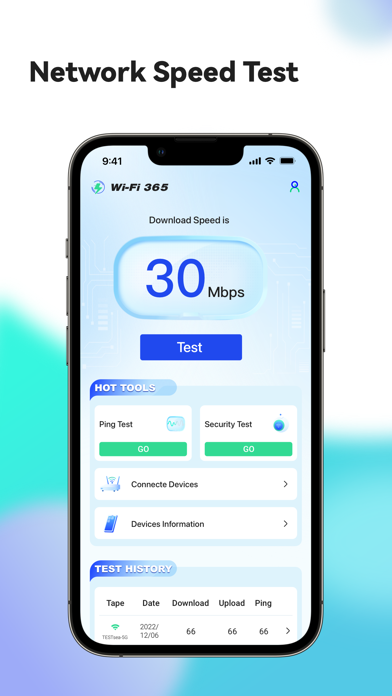
- Comprehensive Speed Analysis: Evaluate your current download and upload speeds, alongside critical stability metrics like jitter and packet loss.
- Historical Tracking: Maintain a detailed log of your past connection tests to compare performance trends over time or verify if specific times of day suffer from bandwidth throttling.
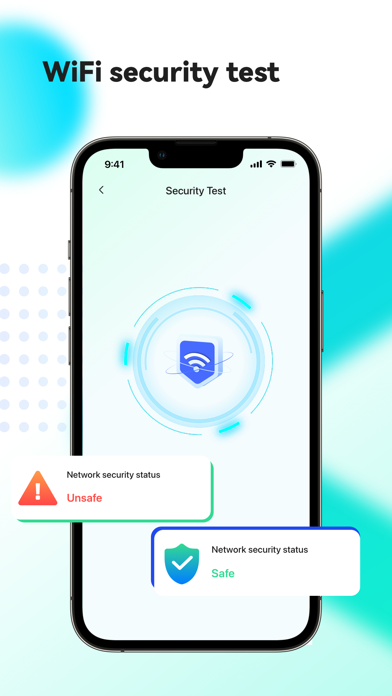
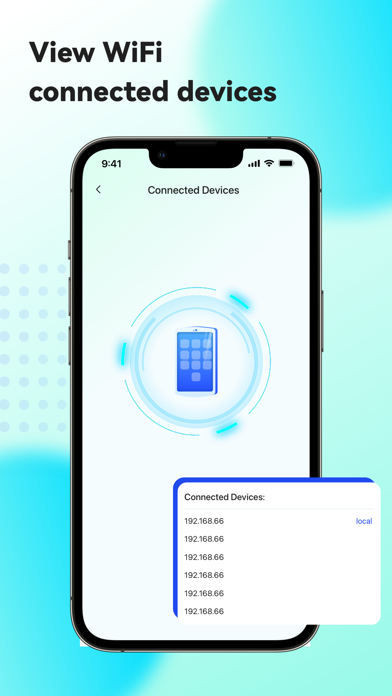
- Connected Device Scanning: Audit your local wireless network to identify all connected hardware, helping you spot unauthorized users or bandwidth-heavy smart devices.
- IP Ping Tool: Execute direct ping tests to specific web domains or local IP addresses to measure latency and diagnose routing bottlenecks.
Who Benefits Most From This Utility?
Developed by WX Hongyan Technology Co., Ltd., the WiFi 365-WiFi Test network utility is highly suited for remote professionals who rely on stable video conferencing, gamers looking to minimize their latency, and everyday users troubleshooting smart home connectivity issues. Its clean interface strips away unnecessary technical jargon, presenting essential data in an easy-to-read format.
Optimizing Your Wireless Environment
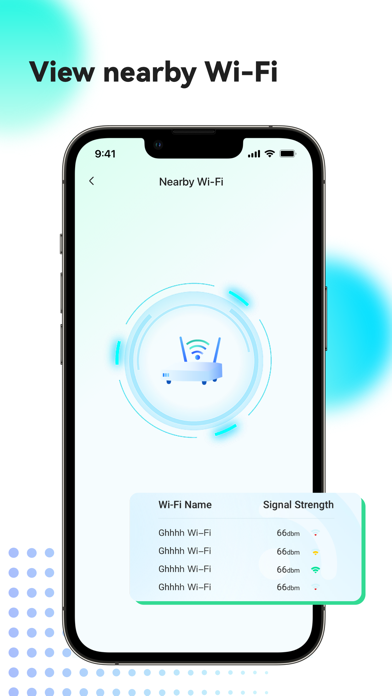
By regularly utilizing the speed test and history tracking functions, you can establish a reliable baseline of your network's performance. Knowing your upload capacity and jitter levels is particularly valuable before initiating high-bandwidth tasks. Additionally, the device scanner acts as a simple security checkpoint to ensure your private network remains exclusive to your household.
If you are ready to take control of your wireless connection and diagnose your connectivity issues with precision, you can find more details and download the application directly on the official Apple App Store.
Rate the App
User Reviews












Popular Apps










Editor's Choice