
Latest Version
Fine-Grain Studio
Media
Windows
Free
9nfpnx6xf6z7
Report a Problem
More About Fine Screen Recorder for Windows: Comprehensive Review
Imagine you are halfway through explaining a complex software workflow to a remote colleague, or in the zone showcasing an intense gaming strategy, only for your screen capture software to suddenly cut off due to a strict, arbitrary time limit. It is a frustrating barrier to productivity. Fortunately, Fine Screen Recorder for Windows addresses this issue by offering a highly reliable, unlimited recording solution designed specifically for desktop users.
Developed by Fine-Grain Studio, this media application serves as a lightweight assistant for capturing high-quality on-screen activities. From corporate presentations to creative tutorials, it provides the essential tools required to document your digital workspace seamlessly.
Key Features of Fine Screen Recorder for Windows
This utility stands out in the crowded market of capture utilities due to several core operational advantages:
- Unrestricted Recording Length: Even in its standard tier, the application does not impose forced interruptions or strict time limits, allowing for hours of continuous coverage.
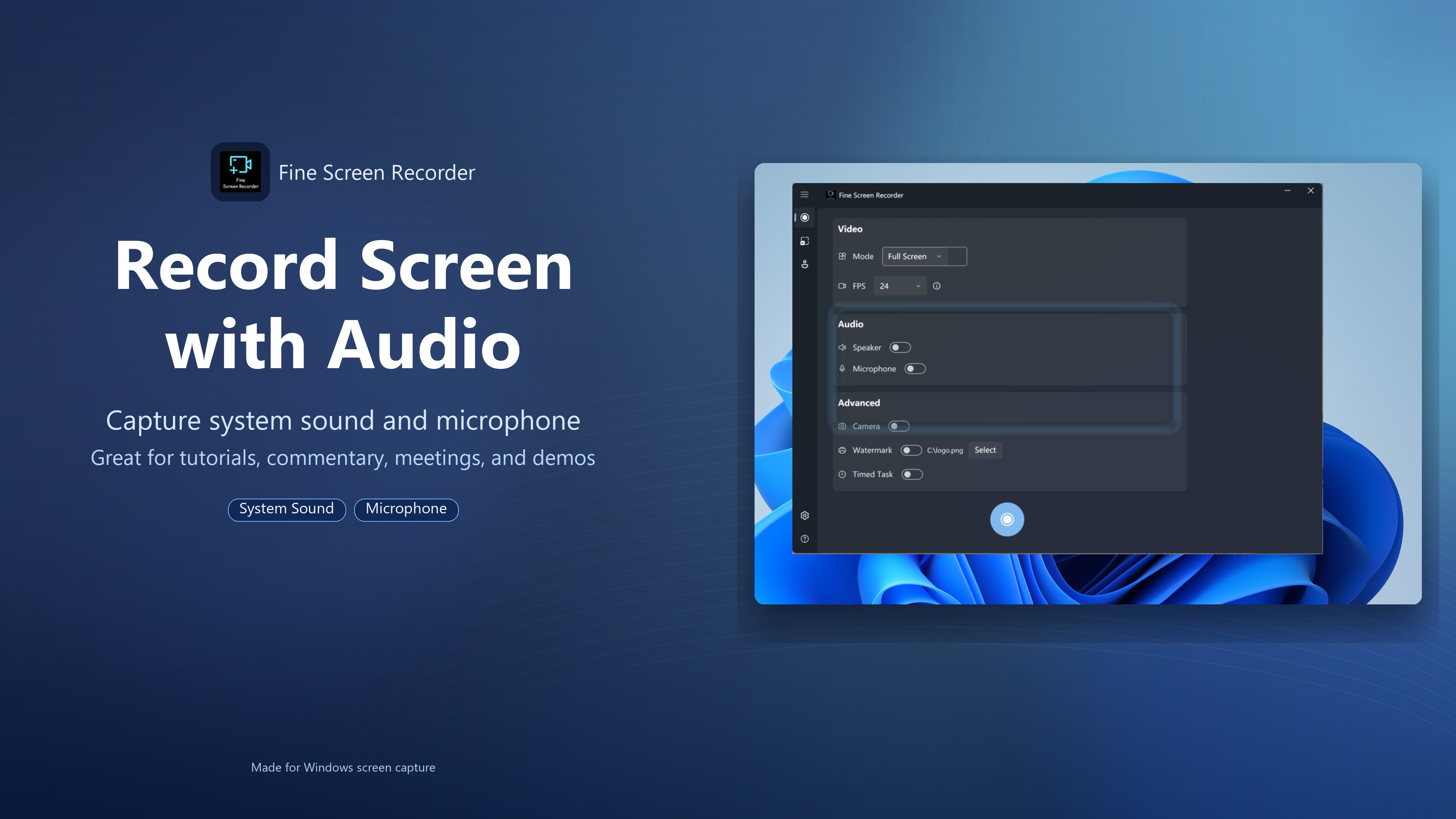
- Dual-Channel Audio Mixing: Users can capture system audio (speakers) and external voice narration (microphone) independently or simultaneously, ensuring professional-grade voiceovers.
- Resource-Efficient Architecture: Built on Windows Media Foundation, the software boasts a lightweight design that launches rapidly and prevents CPU spikes, ensuring smooth background operation without causing system lag.
- Instant Save Technology: Video data is written directly to the disk in real-time, safeguarding your recordings against sudden power loss or system crashes.
Comparing the Free and VIP Premium Tiers
To help you decide which version aligns with your workflow, the software offers two distinct tiers:
The Free Edition
The complimentary version is ad-supported and provides foundational features suitable for casual users. It supports unlimited recording times in full-screen mode at a smooth 24 frames per second (FPS). While custom watermarks are not available, the software does not force any mandatory, obstructive watermarks onto your final output.
The VIP Premium Upgrade
For advanced professionals, the VIP tier unlocks a comprehensive suite of tools and removes all in-app advertisements. Key additions include:
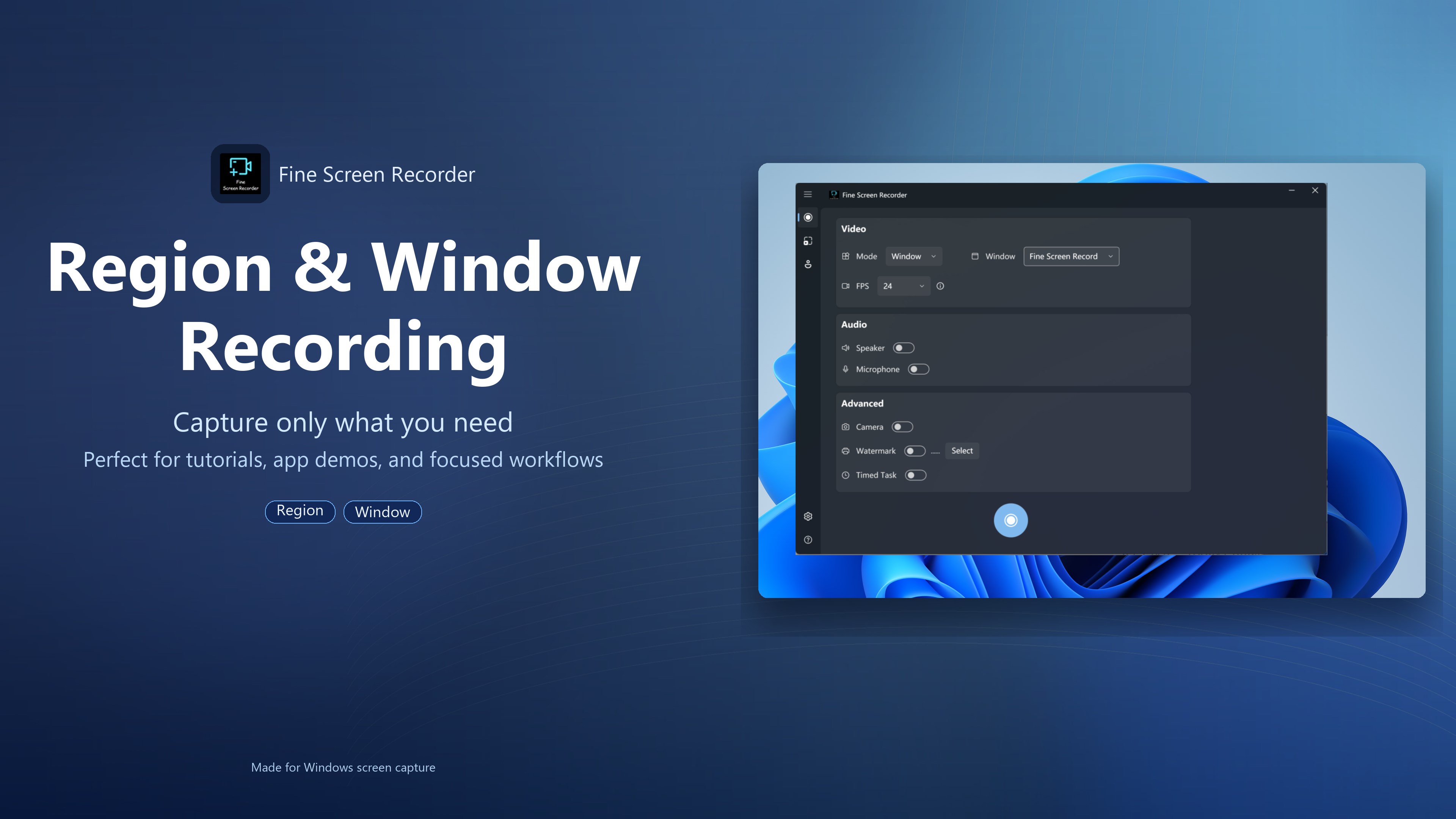
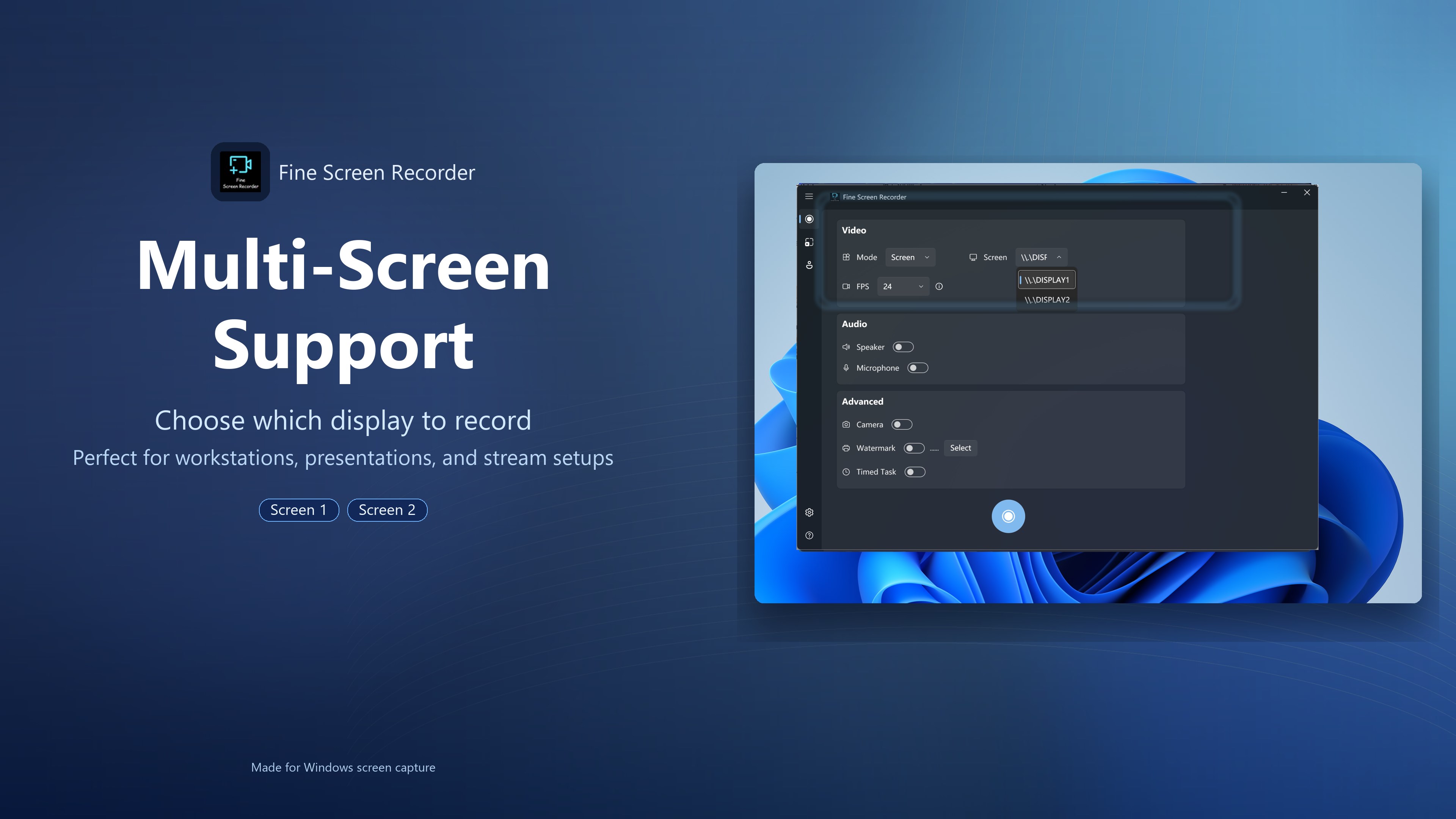
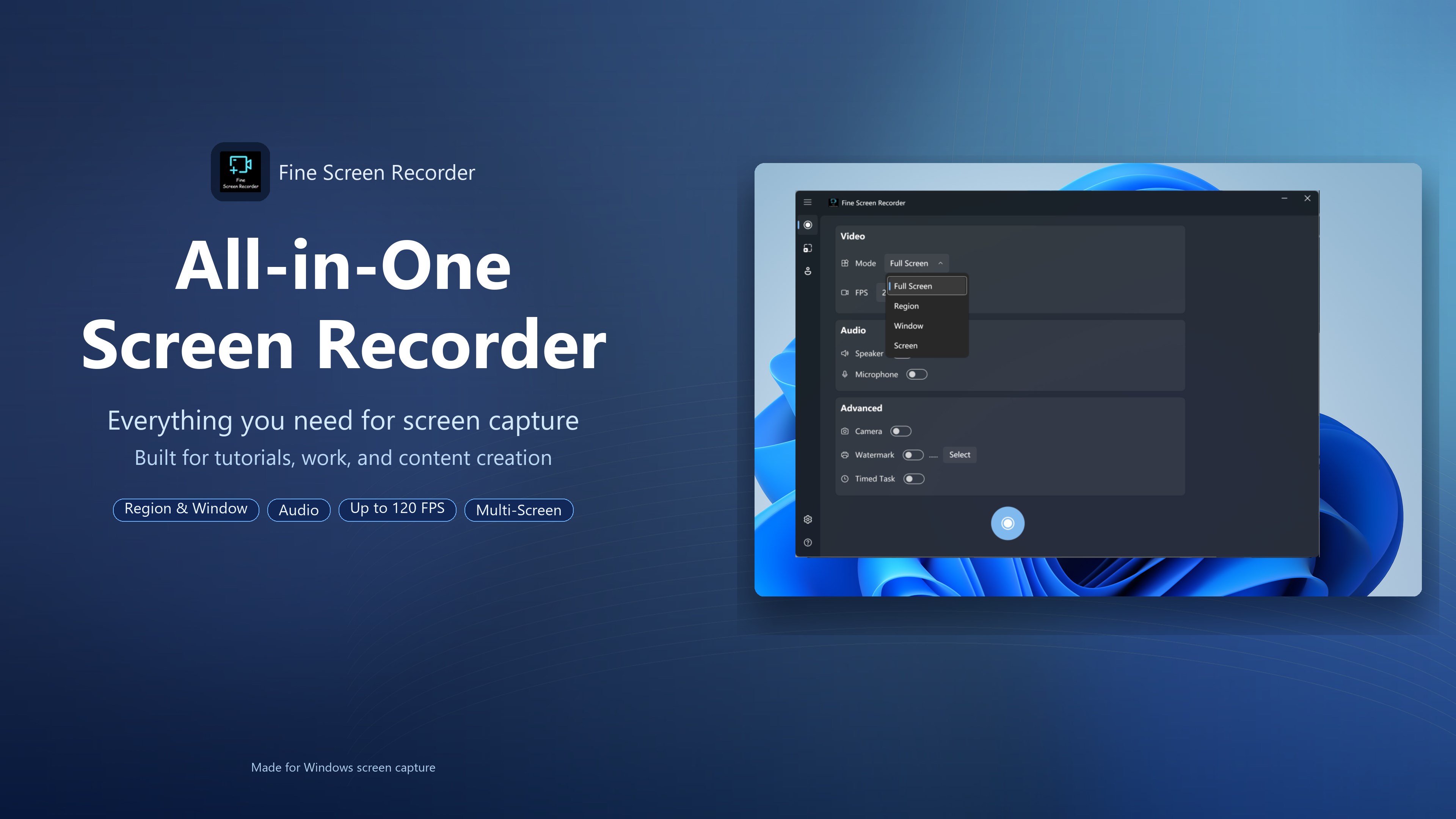
- Flexible Capture Modes: Unlock regional recording, specific window capturing, and support for multi-monitor setups.
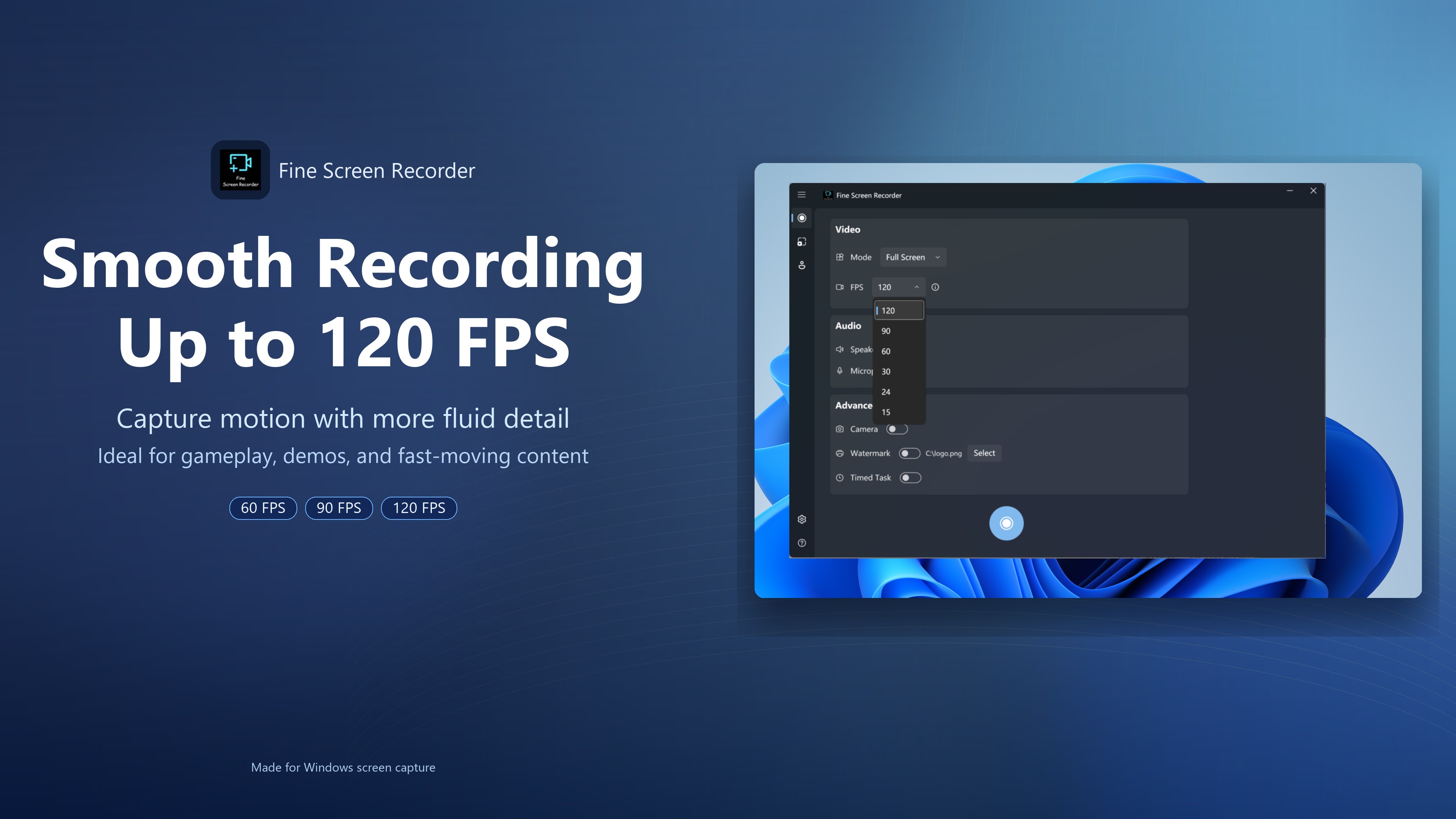
- High Frame Rates: Capture fast-paced action at 60 FPS, 90 FPS, or up to 120 FPS (dependent on your hardware capabilities).
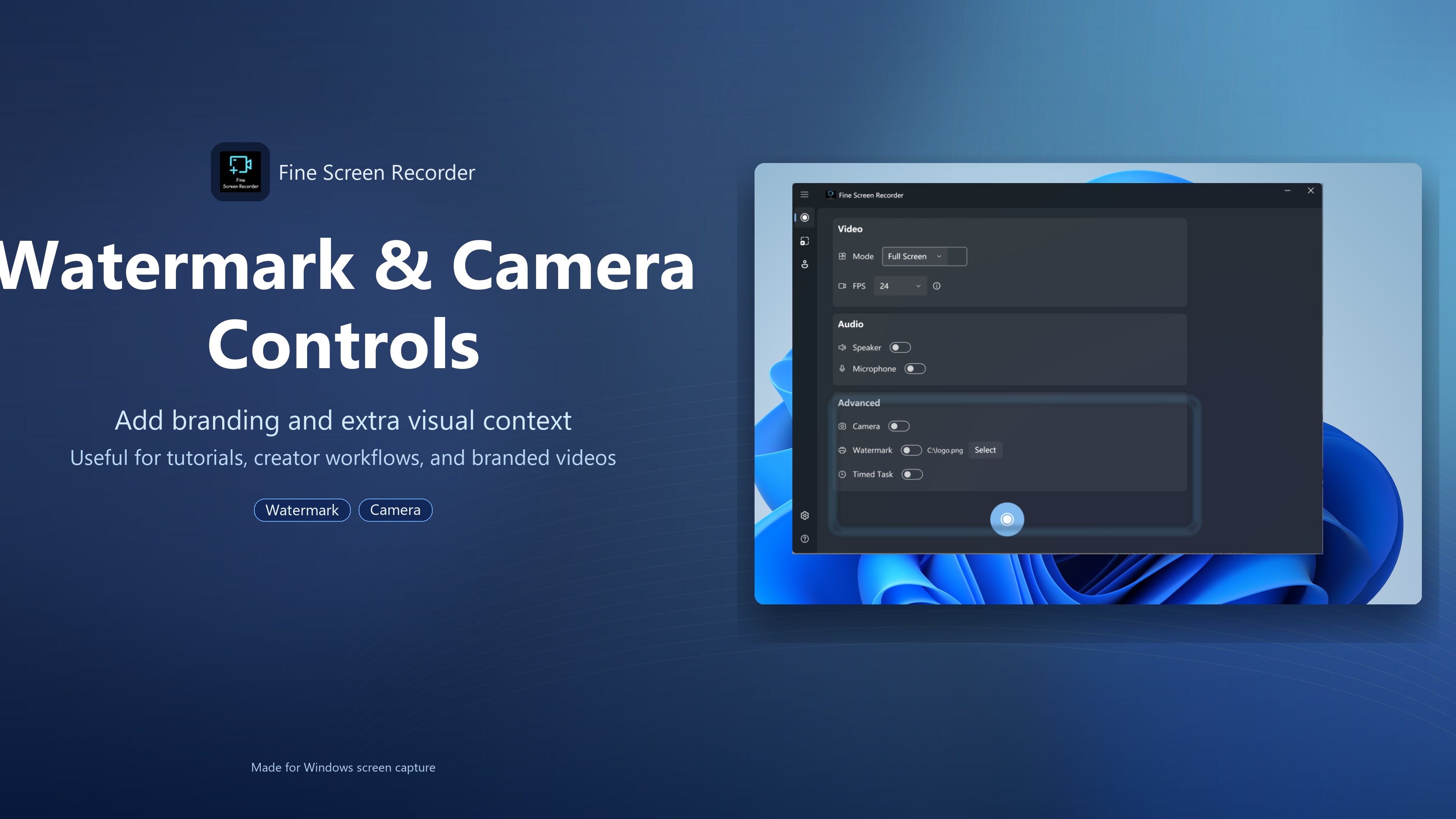
- Custom Watermarking: Protect your intellectual property by applying personalized image or text watermarks.
- Scheduled Tasks: Automate your workflow by configuring the application to stop recording automatically based on pre-defined triggers.
Technical Requirements and Compatibility
Because the application utilizes native Windows Media Foundation framework elements, certain operating system versions require manual configurations. Users operating Windows N or KN editions will need to install the Microsoft Media Feature Pack. Similarly, Windows Server administrators must ensure the Desktop Experience feature is enabled via Server Manager to facilitate proper media rendering.
Our Verdict
Whether you need to archive a live stream, deliver a virtual lecture, or document software bugs, Fine Screen Recorder for Windows offers a stable, resource-friendly environment to get the job done. If you are ready to enhance your content creation workflow, you can explore the application further and view its official listing on the Microsoft Store.
Rate the App
User Reviews


Popular Apps









Editor's Choice